
I joined Prof Davide’s (founding Chair for the Department of Human-Centred Computing) research lab as a UX Research assistant in Aug'21 2021. This project is under NSF (National Science Foundation) grant to explore navigating technology without screens.
As an independent researcher, I was responsible to create a prototype simulation and perform evaluative studies with blind & Visually impaired people.
Nov’21 - Jan’21 | 15 months
Accessibility | Academic project
It’s natural to pull out your smartphone and check a notification or message. But what if you could do these things without picking up the phone — or even looking at it?
The intent is to make social media accessible for blind and visually impaired (BVI) people especially when they are travelling from one place to another. We are aiming to make technology usage easier on the go.
From the previous research, we found that Blind and visually impaired people are facing privacy-related problems while using technology in their day-to-day life.
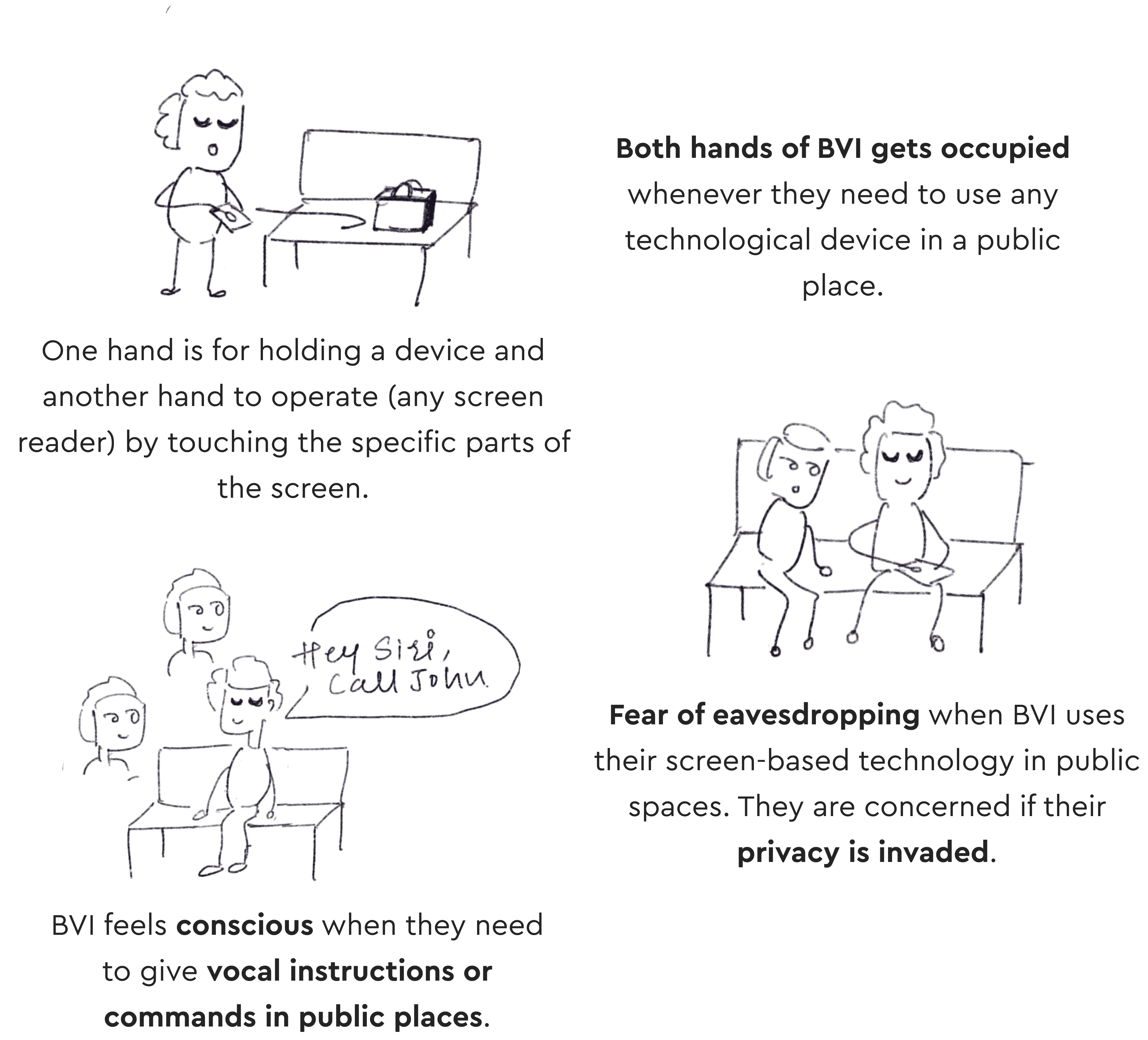
How might we help blind and visually impaired people to navigate through Facebook using a single hand while keeping their content/conversations private?
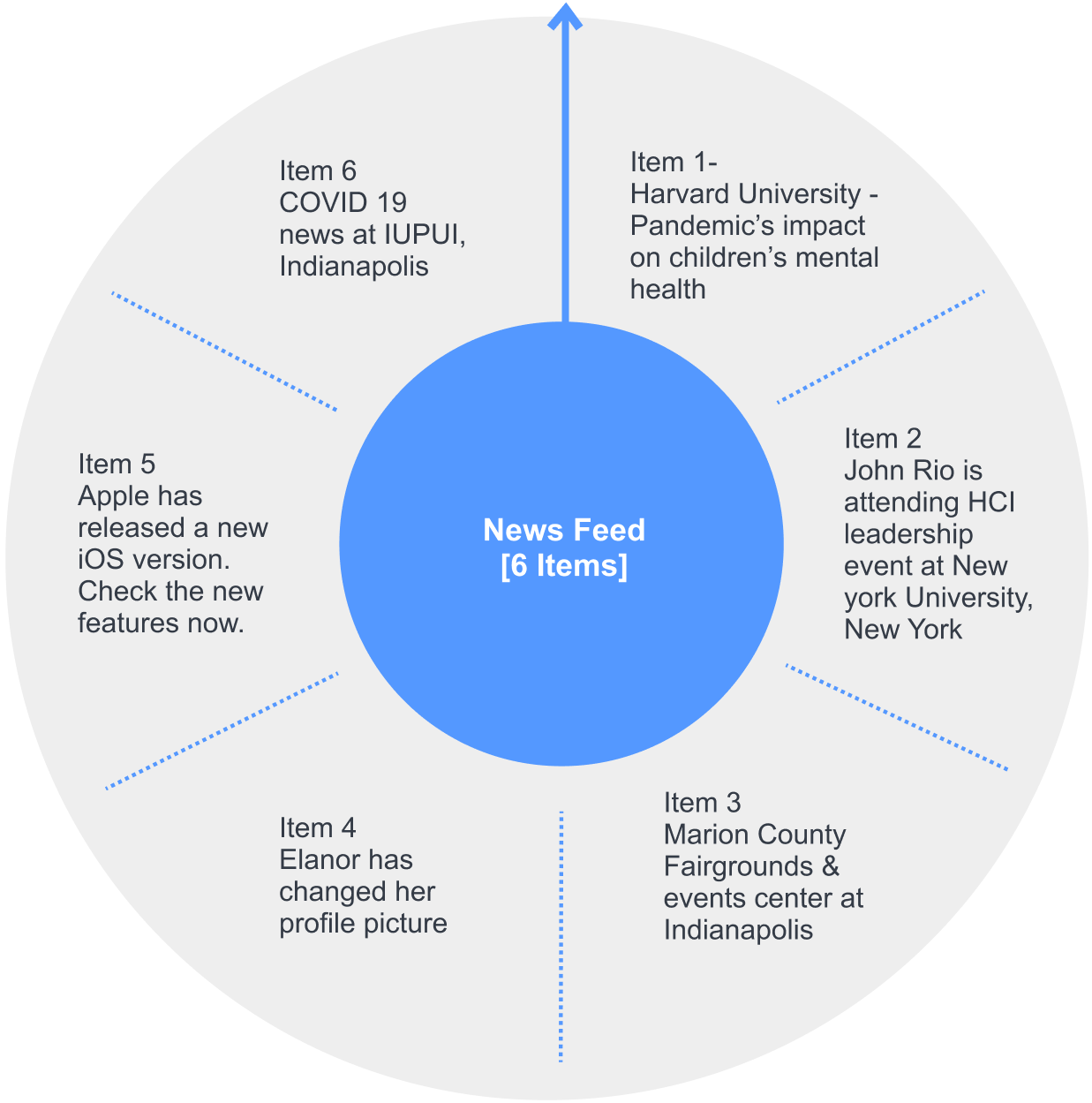
Designing a novel concept - an aural navigational platform for blind or visually impaired people to use Facebook without any screen involvement. Meaning BVI can use Facebook when their device is either in a bag or in their pockets.
When I looked on the internet, there was no such product existed to take inspiration from. Not much work has been done in the screen-less area.
So I decided to backtrack the whole project where I will create the novel product first and then conduct the evaluative study to validate the usability and efficiency of the product.
Because Facebook is very vast and has numerous features, it was a bit tough to decide what to design and where to start. Looking at the insights from secondary research, ‘sharing a post' is the most used feature by blind and visually impaired people. So, I decided to consider a scenario considering a few features including sharing and messaging.

Jonathan (blind since birth) is travelling to office on a bus.

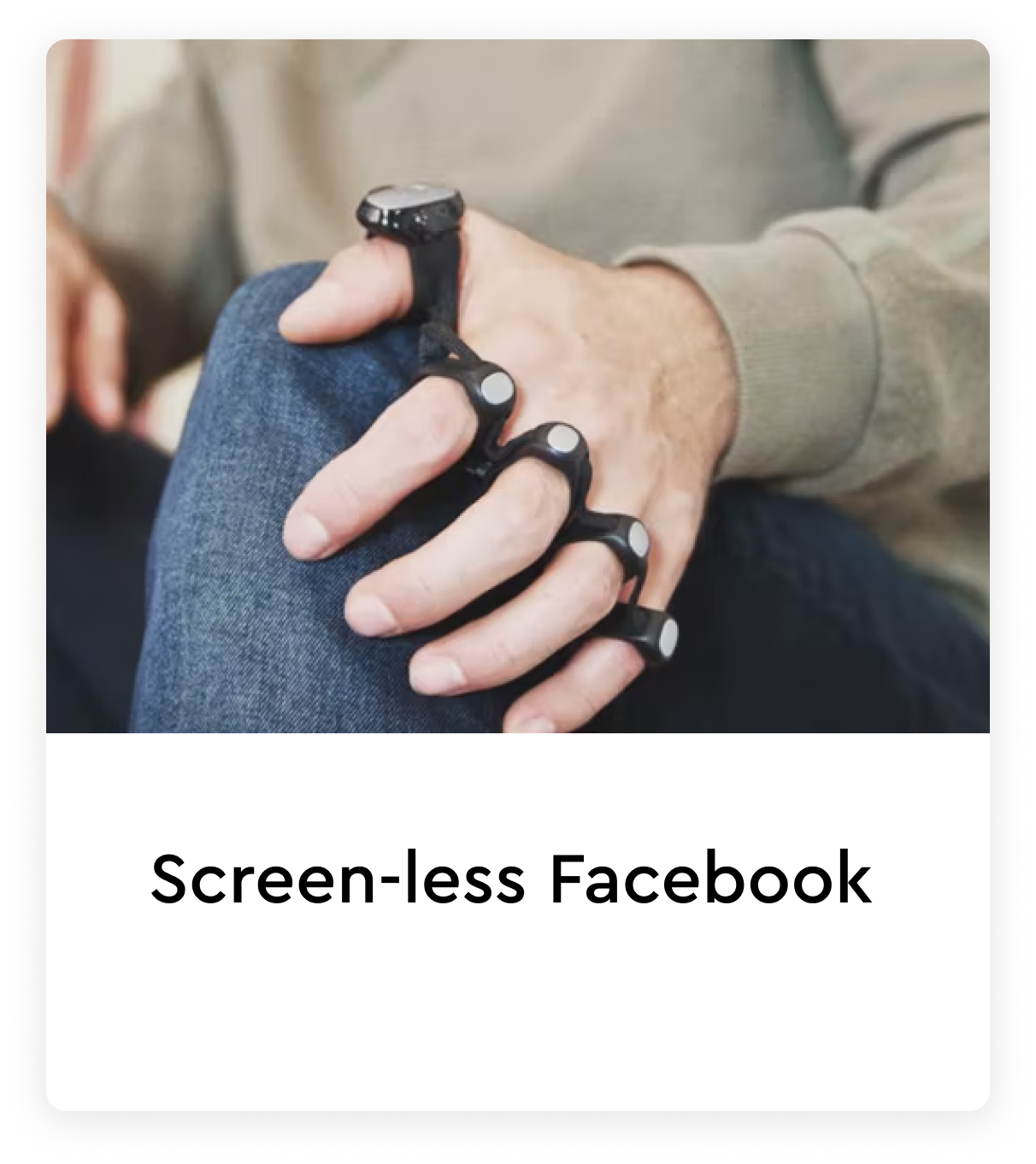
He is scrolling through a Facebook news feed using TapStrap device.
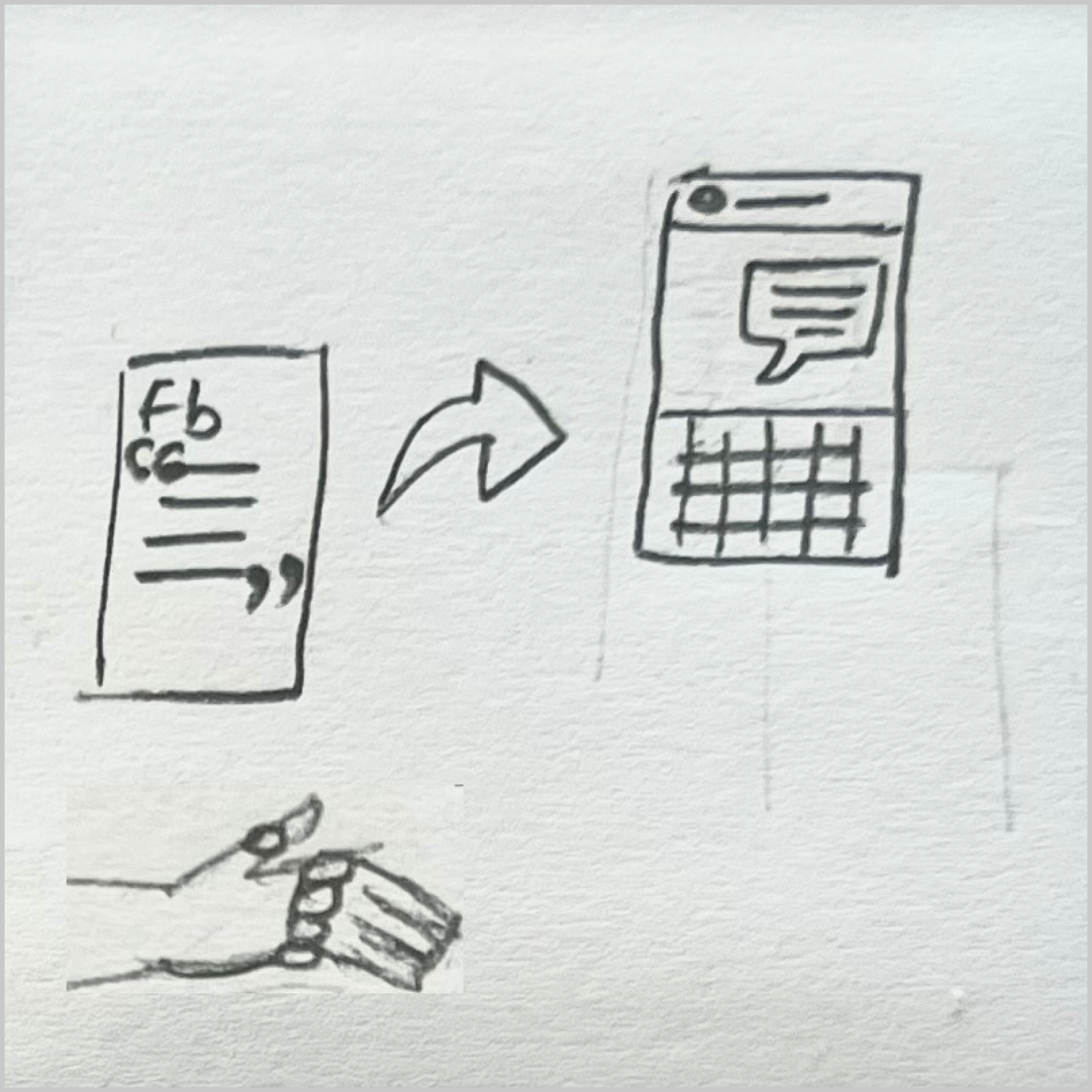
He found an interesting post & thought of sharing it with his friend
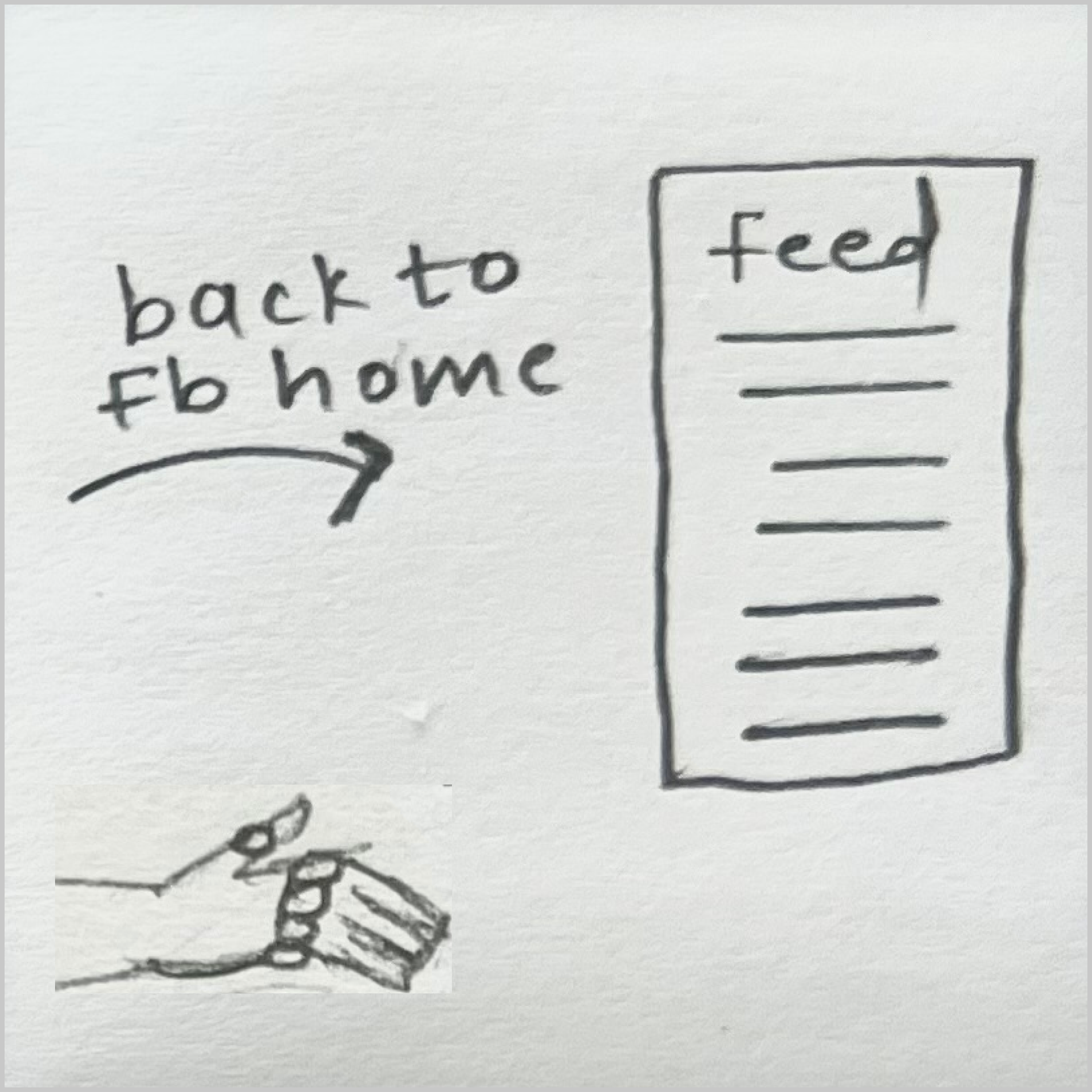
He shares the post with his friend Ryan Skinner.
Click here is see the process of concept making
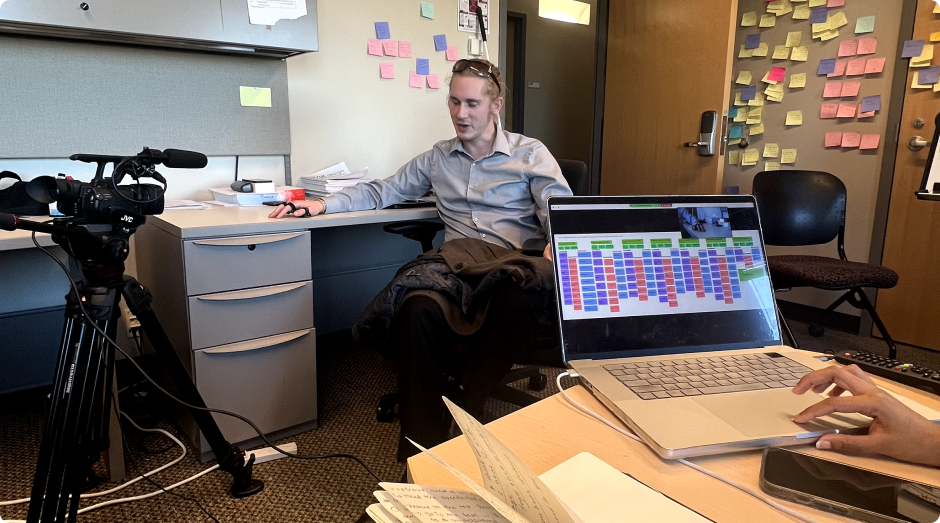
Making a fully developed concept would have taken a lot of time. So, I decide to mimic the entire concept by using the Wizard of Oz method where users will perform the actions and the researcher (the wizard) will operate the system manually. Below is the snapshot of how I created the environment within lab.
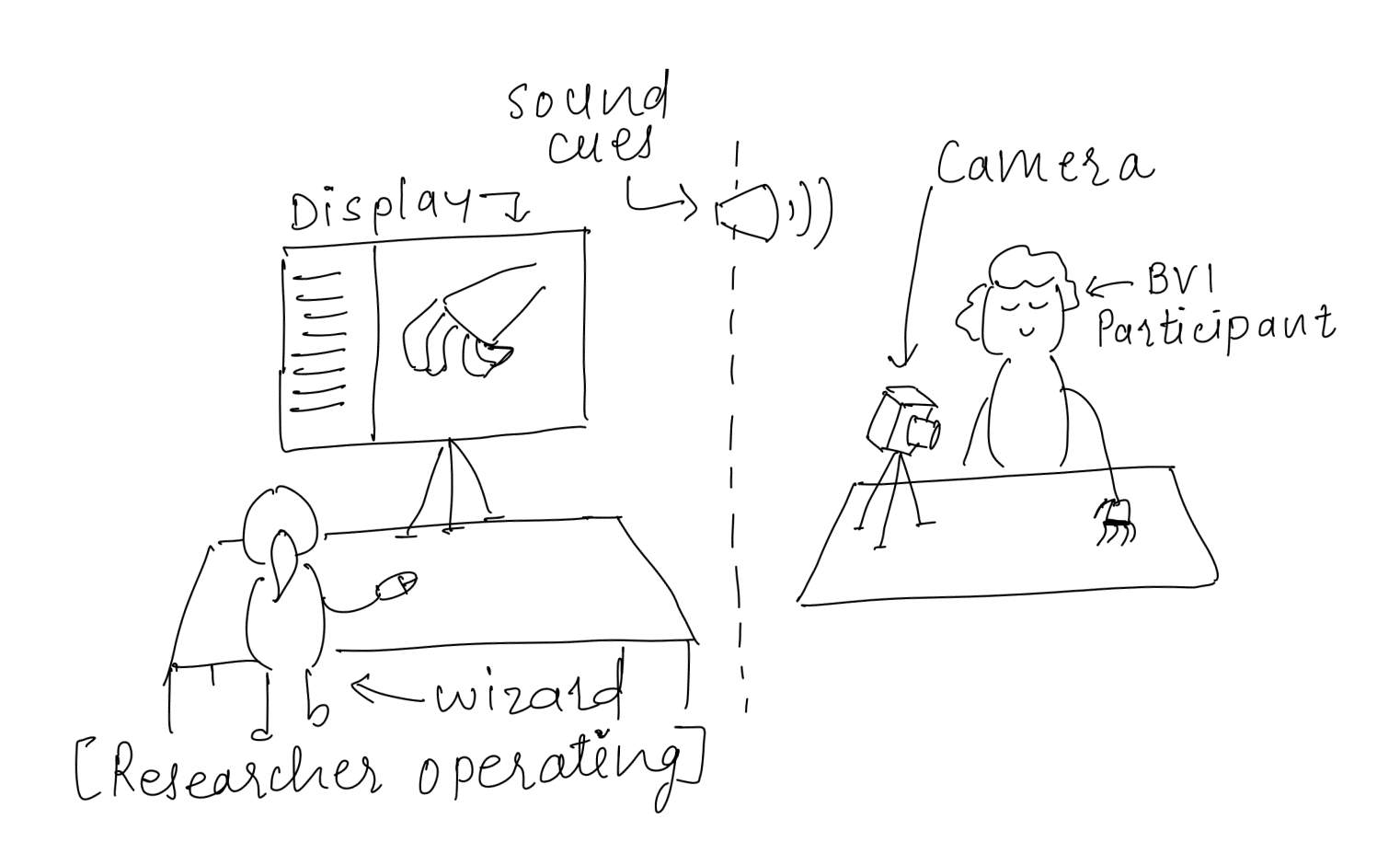
The overarching goal of this study is to understand the users’ perception on the newly designed Screen-less approach to use social media. We are specifically looking to get feedback on:
I replicate the entire concept on a Voiceflow tool which is originally used to create the conversational prototypes. Voiceflow is robust enough to provide the audio feedback to the participant who is performing the task.
I am improving the screen-less concept by incorporating the feedback I've got so far. At the same time, developers has started building the real prototype to perform the second rounds of testing with BVIs.
Stay tuned for the updates!